Calendar & Dates
The Calendar area combines course and exam events so you can plan by list, week, or calendar view.
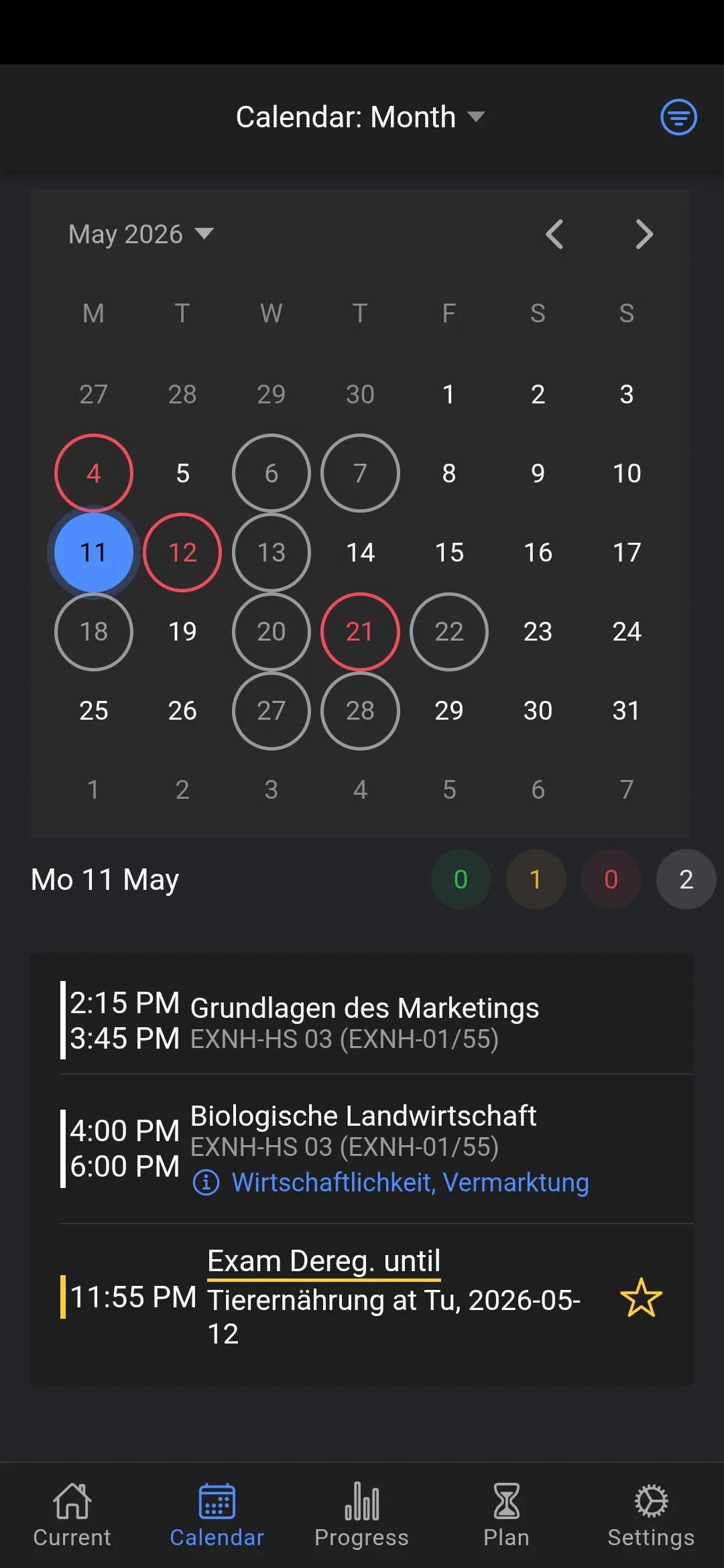
Your Schedule at a Glance
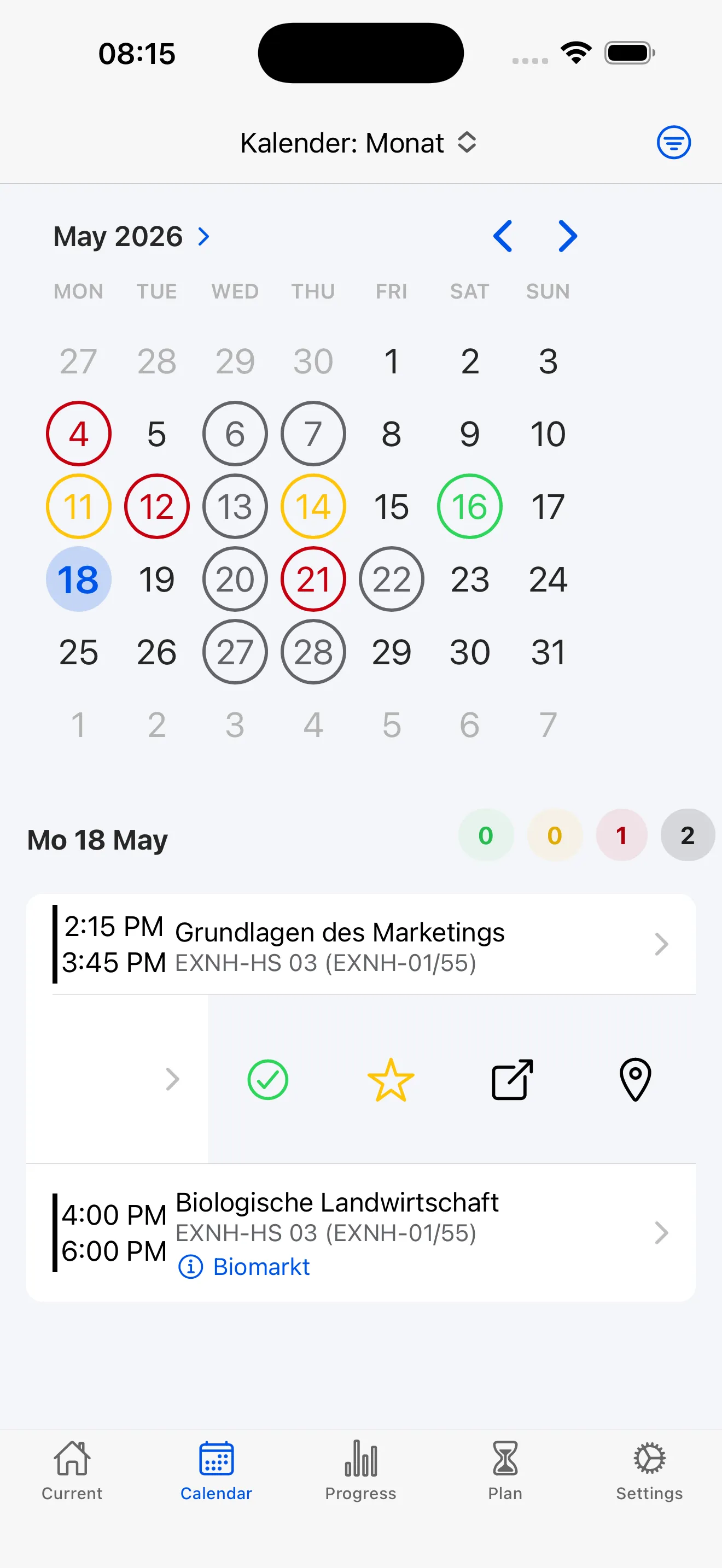
See all your courses, exams, and registration deadlines in one place. Colored count chips summarize events for quick understanding. Status indicators show whether you're planned, registered, or completed.
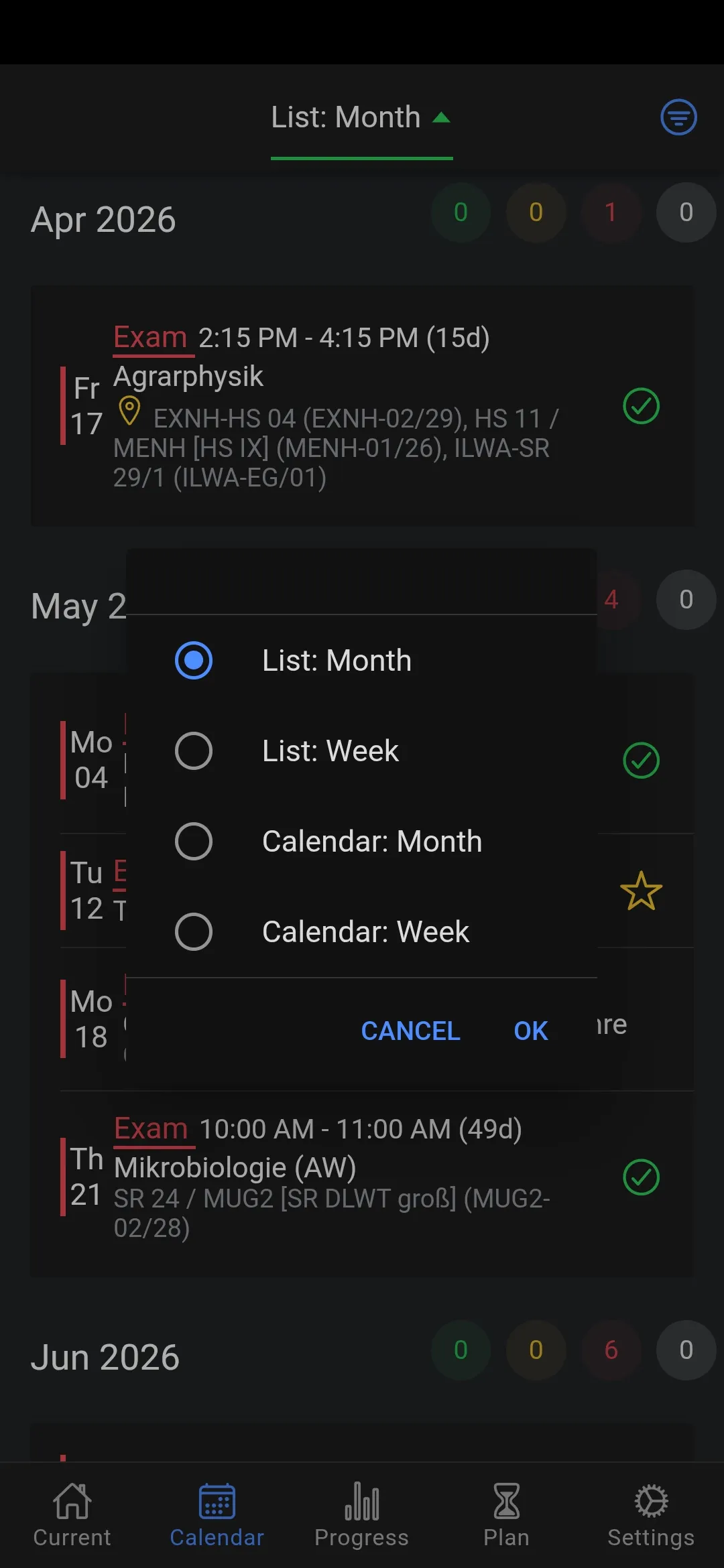
Views & Navigation
Choose between month list, week list, month calendar, or week calendar. Each view offers filtering and therefore a different perspective on your events and remembers your preferences. Swipe or tap arrows to navigate through weeks and months.
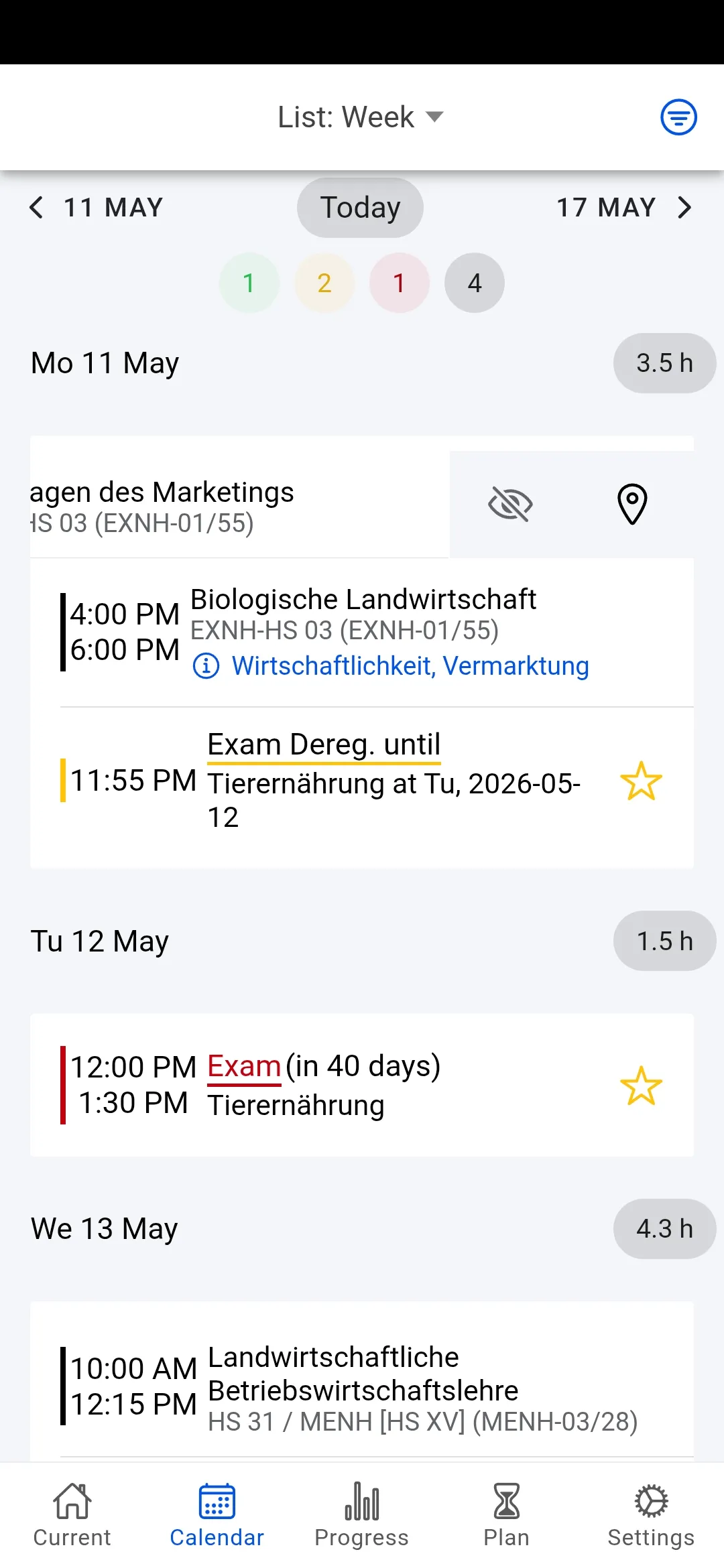
Status Counts & Entry Types
Understand your schedule instantly with colored count chips that summarize courses, exams, and registration deadlines. Different entry types and status indicators help you stay on top of what matters.
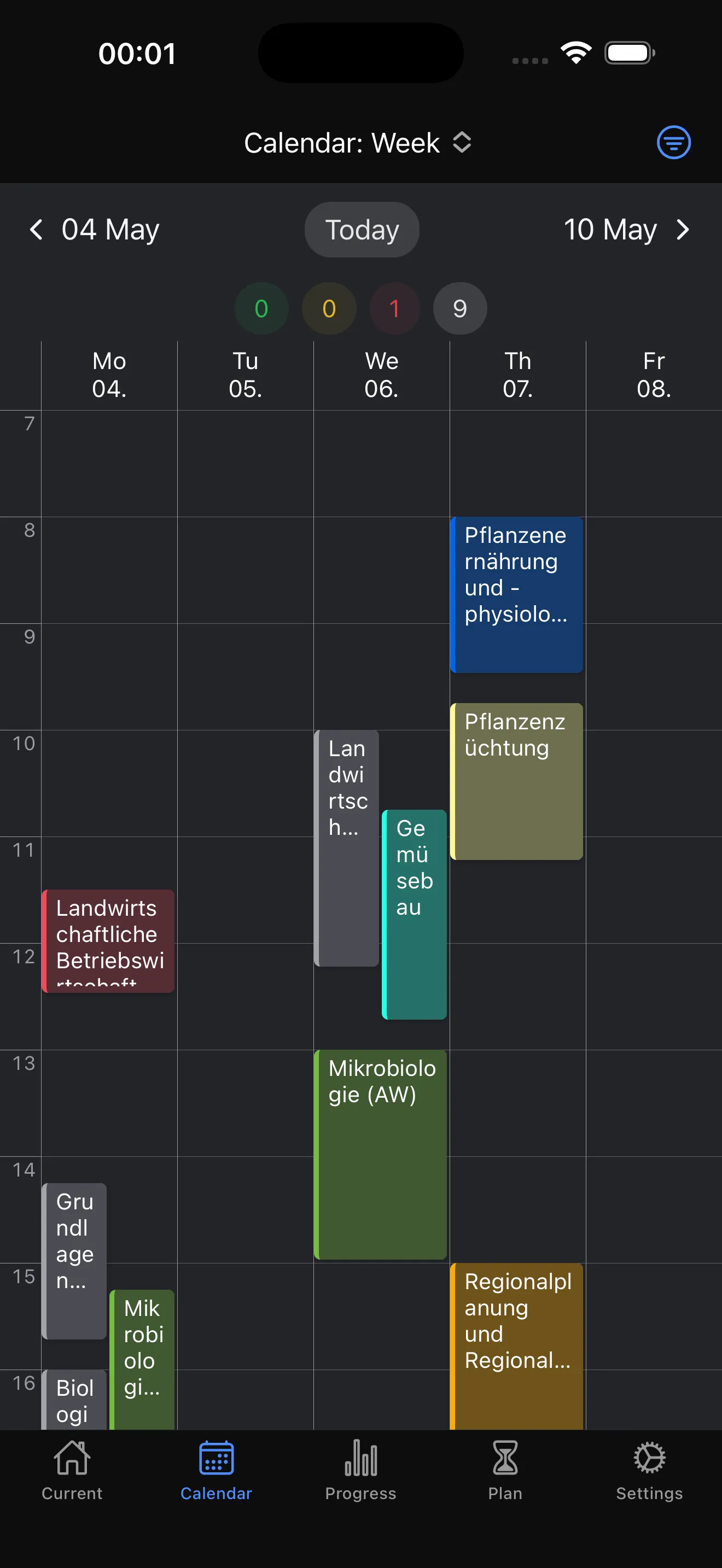
Week Calendar
In week view, see all events clearly by day and time. Assign colors to courses and add short descriptions so you can scan your schedule faster and keep your week easy to read.
Quick Actions
Perform important actions directly from the calendar view. Swipe an entry to reveal options like opening course or exam registration, marking exams, or opening room plans – all without leaving the calendar.
Ready to get started?
Download StudyCompass for free and take control of your studies.