Start Page
Your personal study dashboard. See upcoming exams, planned courses, university quick links, and tuition fee status – all on one screen.
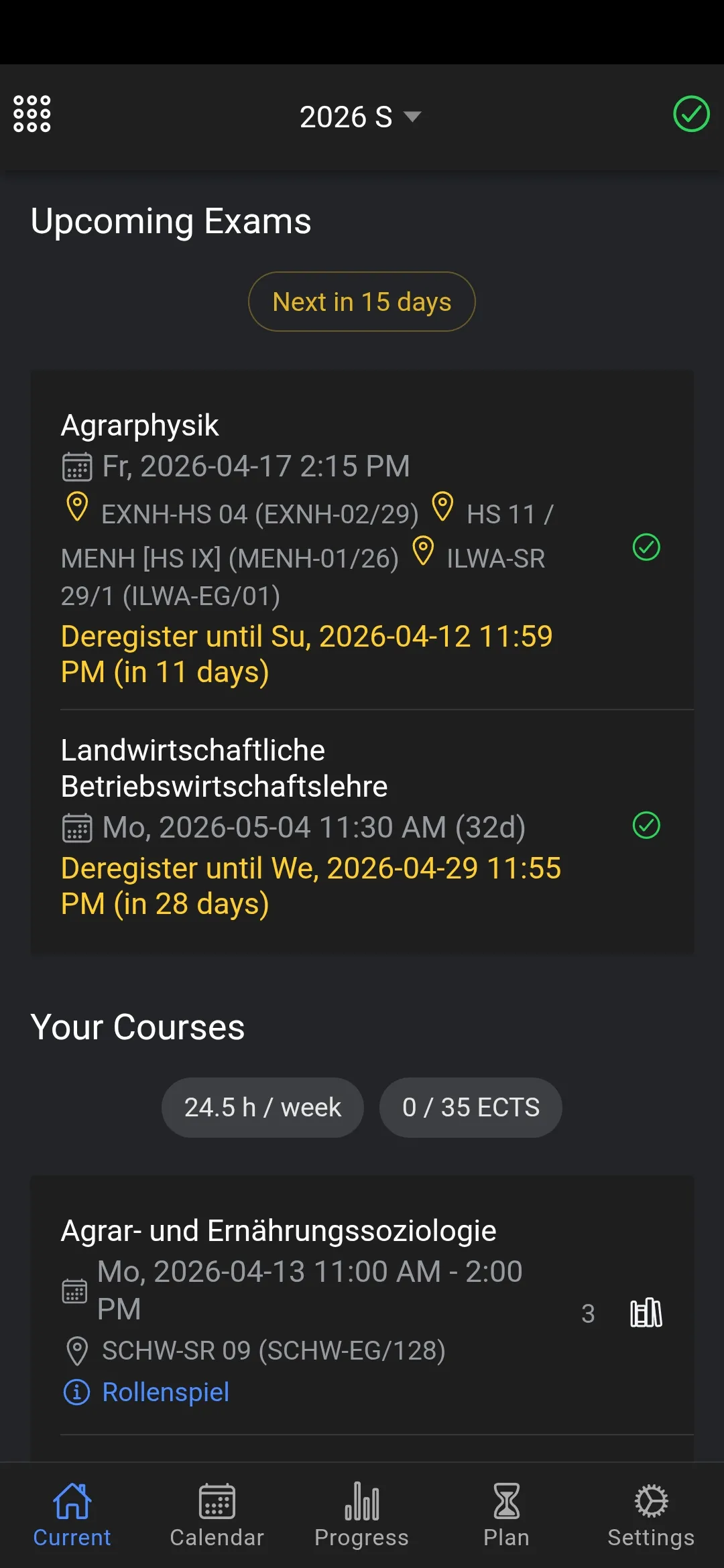
Your Study Dashboard
The start page is your central hub. At a glance, see your current semester, upcoming exams, planned courses, and important status information. Everything you need to stay on top of your studies, right when you open the app.
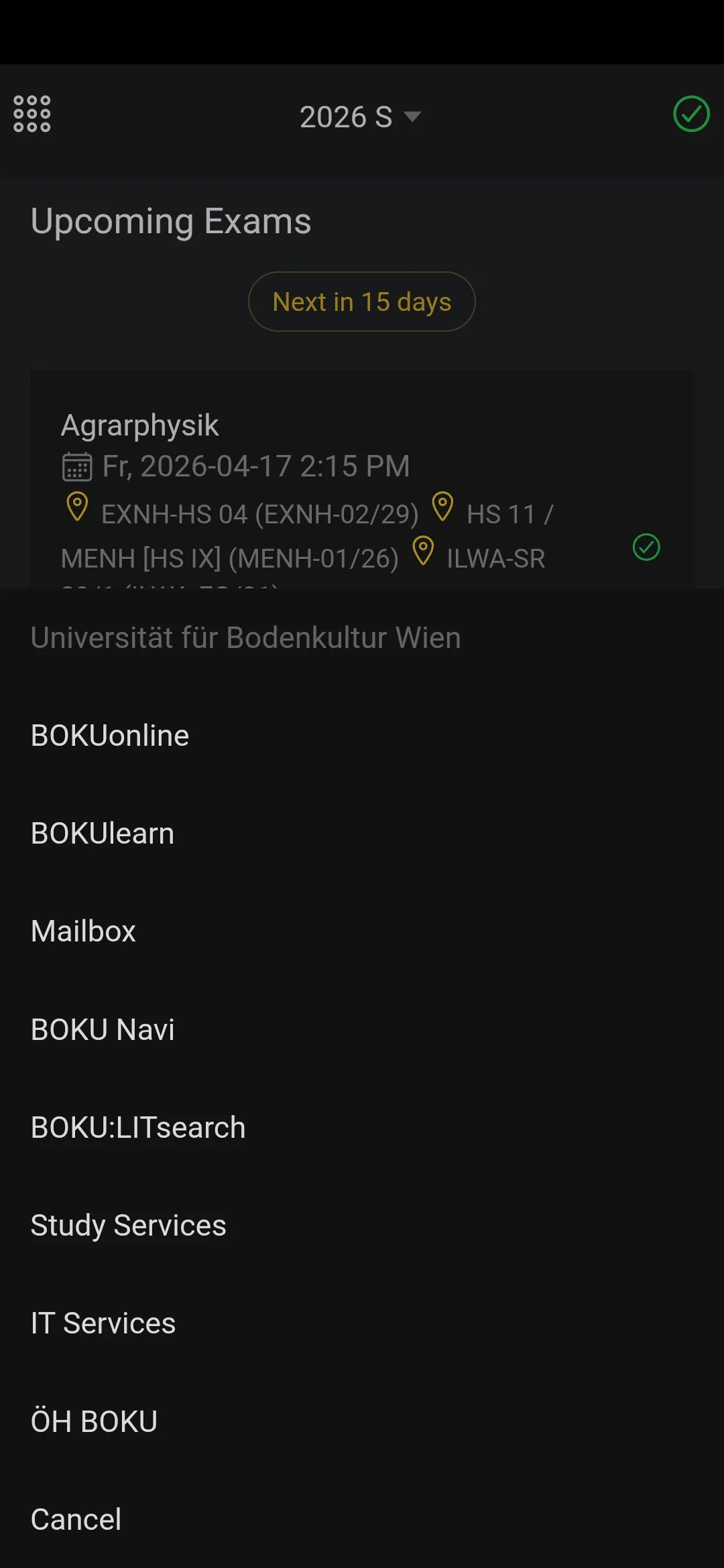
University Quick Links
Access your university's most important platforms with one tap. eLearning, student mail – all your university links organized and ready to go. If we missed links for your university, send us an email with them.
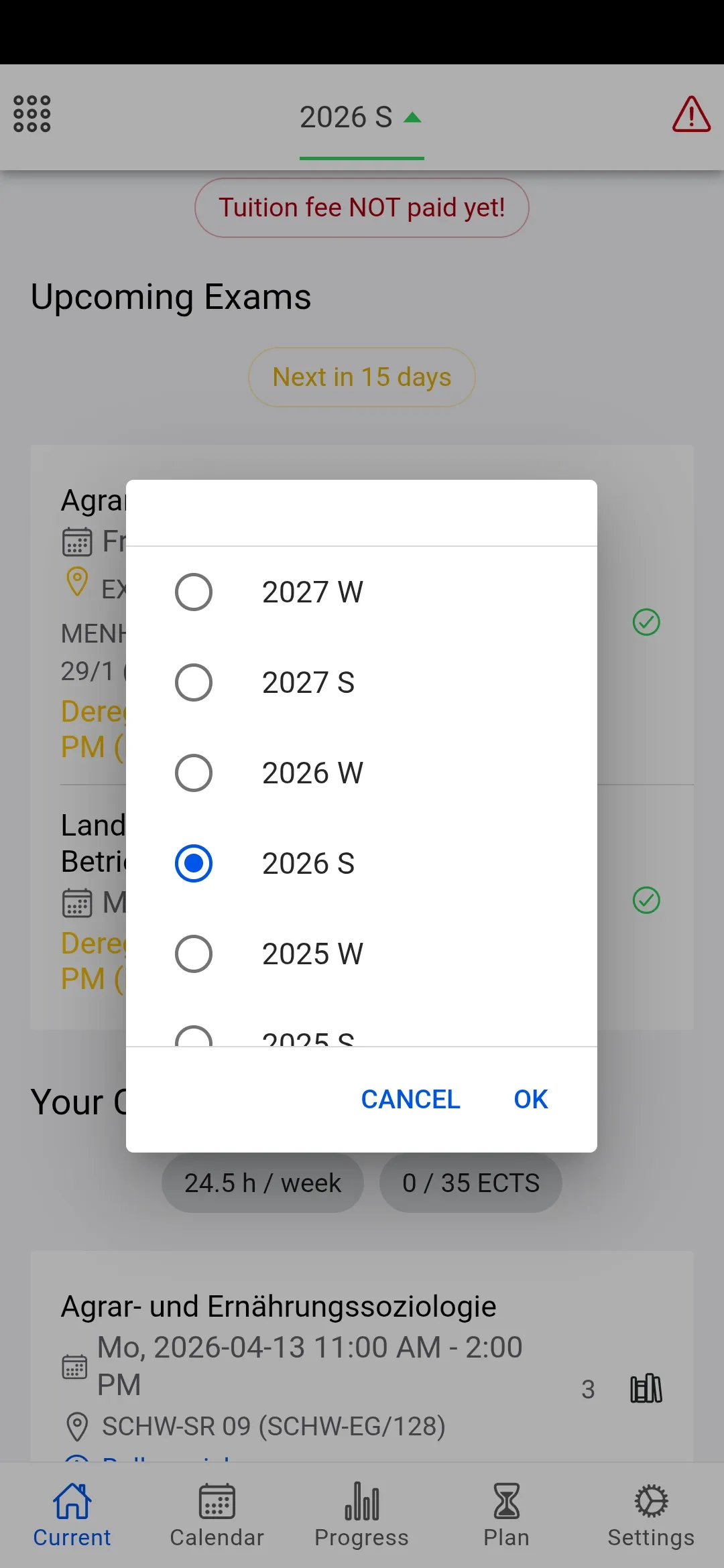
Tuition Fee Reminder
Never miss a tuition fee payment again. The app shows your payment status per semester with a clear warning icon when a payment is due. Tap to see the details and payment deadline.
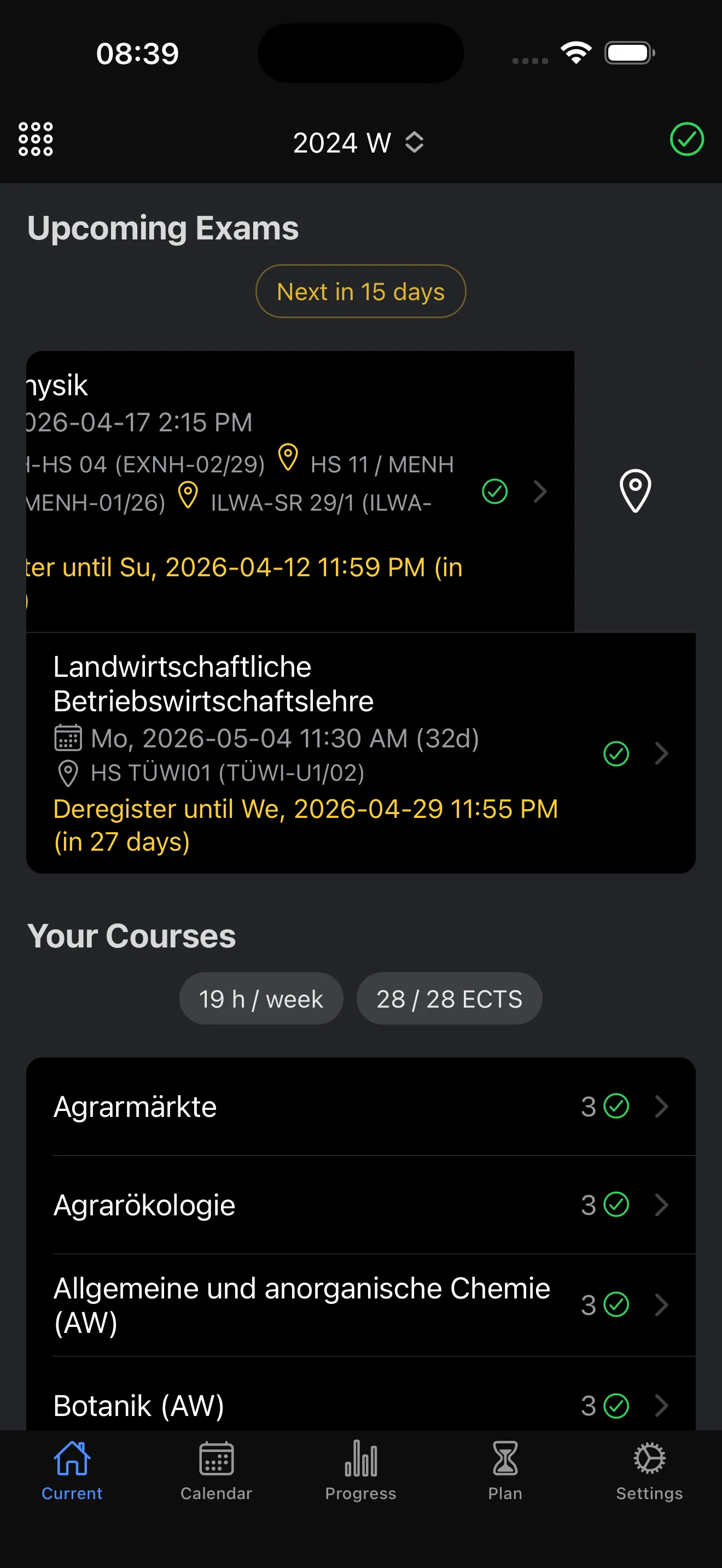
Next Exams at a Glance
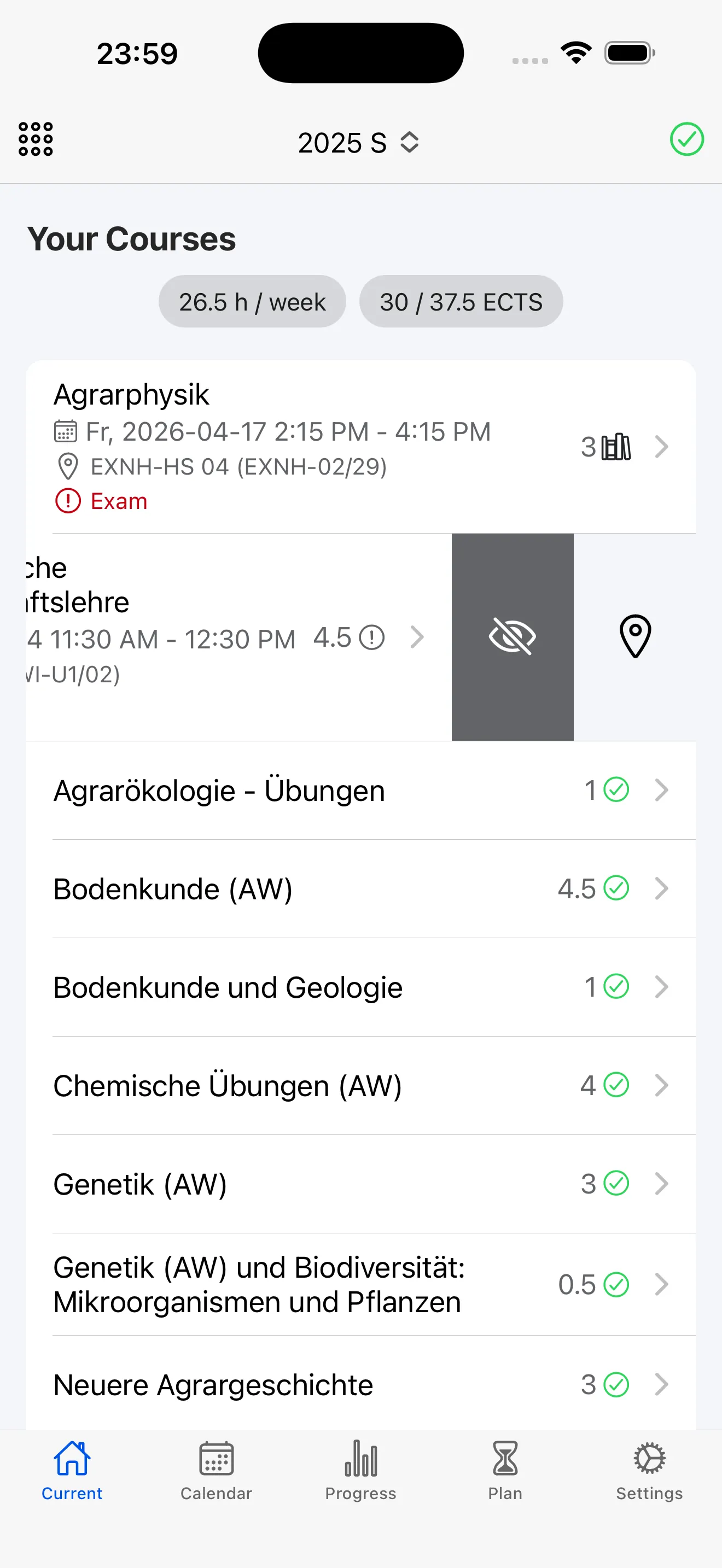
Your upcoming exams are shown front and center with countdown timers, locations, and registration status. See at a glance whether you're registered, when deregistration closes, and how much time is left. Swipe for quick actions like opening room plans.
Planned Courses Overview
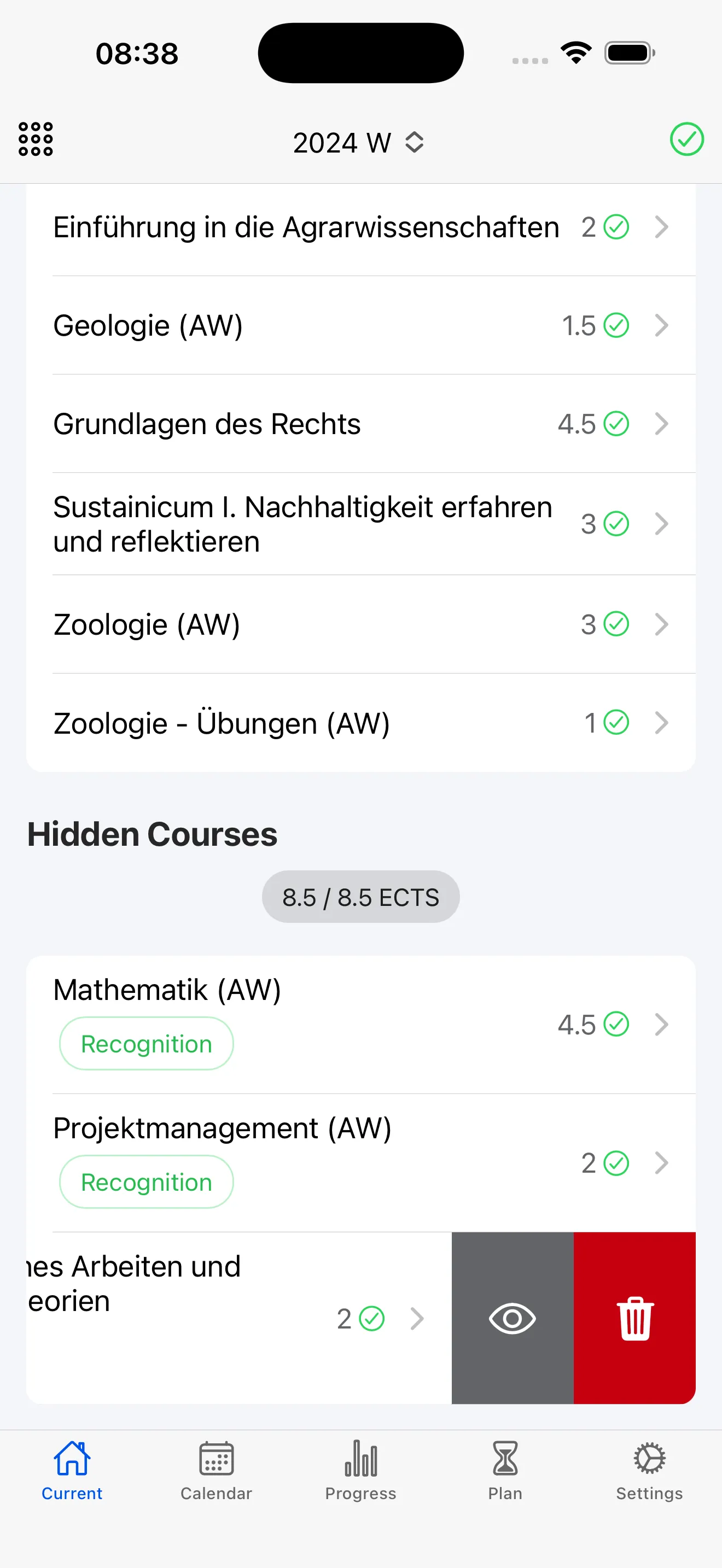
See all your planned courses for the current semester with next appointment dates, locations, and ECTS. Status icons show registration state at a glance – open, upcoming, registered, or completed. Total weekly hours and ECTS are summarized at the top.
Ready to get started?
Download StudyCompass for free and take control of your studies.